
Quanser Mechatronics Sensors Trainer USB Push Button Page
The Quanser Mechatronics Sensors Trainer USB Push Button Page plots the values of the push buttons, Button 0 and Button 1. The page is displayed below with a sample plot with Button 0 (the left button) in red and Button 1 (the right button) in green.
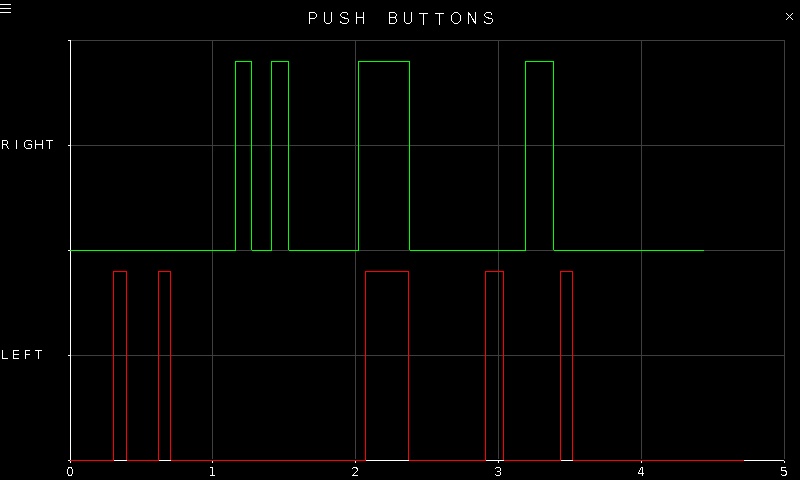
To go back to the Sensors page, tap on the close button in the top, right corner of the page. To change the sensor parameters, tap on the hamburger menu in the top, left corner of the page. This will open the settings screen described in the section below.
The plot axes are fixed.
Settings
The settings page is illustrated below.
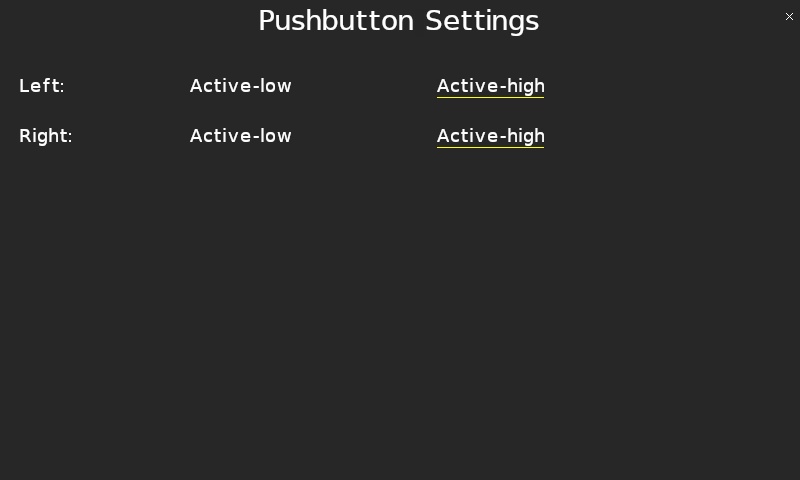
Each push button may be configured as active-low or active-high via the Left and Right parameters for Button 0 and Button 1 respectively. When a button is active-low, it is high when it is not pressed and goes low when it is pressed. When a button is active-high, then it is low when it is not pressed and goes high when it is pressed.
Tap the close button in the top, right of the page to apply the new settings and return to the plot.
Copyright ©2026 Quanser Inc. This page was generated 2026-05-13. Submit feedback to Quanser about this page.
Link to this page.